
By Thorsten Meyer | November 8, 2026 | ThorstenMeyerAI.com

Get business pricing on tech for your team
- Business-only prices and quantity discounts
- Tax-exempt purchasing
- Multiple users, one account, clear invoices
Count your AI coding subscriptions. Claude Code for the big refactor, Codex for a second opinion, Cursor in the editor, maybe Google’s Antigravity on the side. Many developers now pay for two or three of these tools. Each one lives in its own terminal or app, with its own login, its own history and its own way of handing you a diff. By the afternoon there are six windows open, and nobody remembers which agent touched which file.
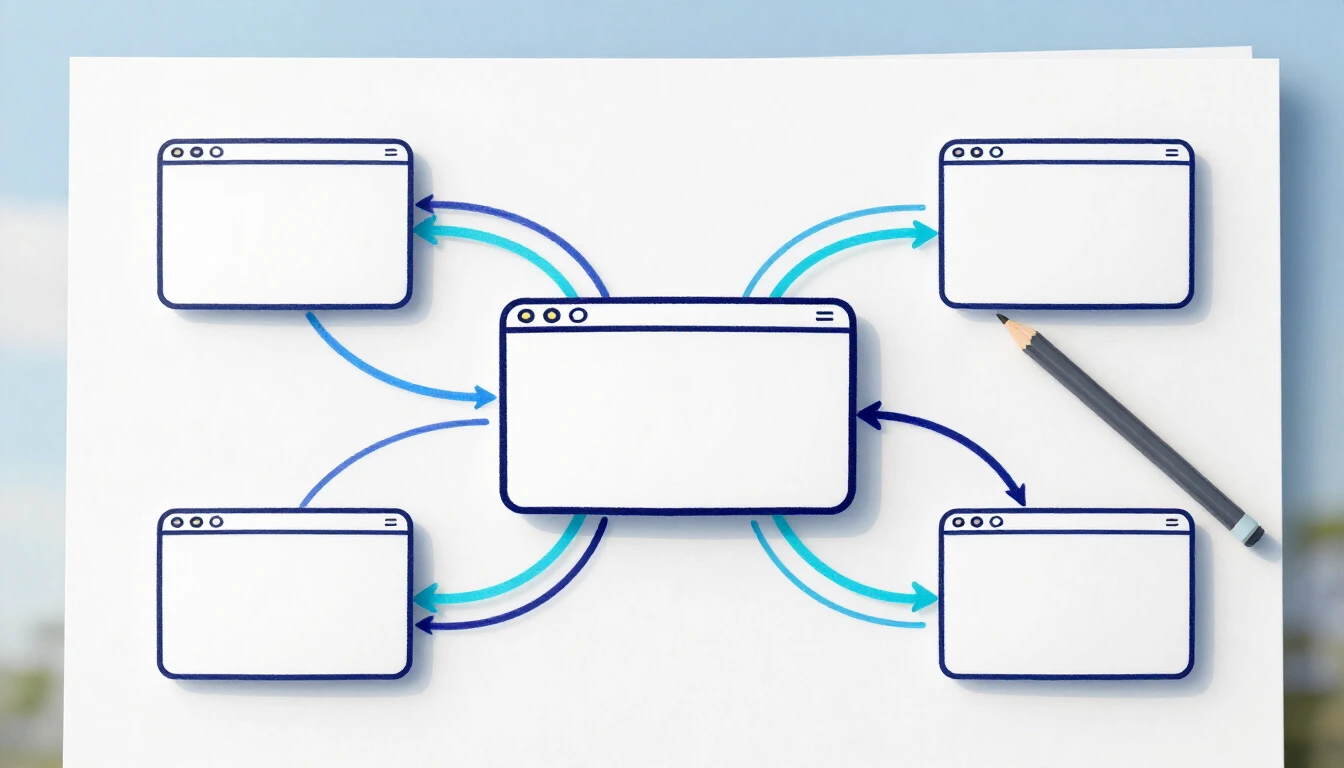
T3 Code is an open-source answer to that juggling act. It does not sell you another AI model. It puts the coding agents you already pay for on one surface, gives each task its own branch, and lets you review and ship the result from your desk, a browser or your phone. Here is what it does, when it is worth installing, and what to know before you start.
Key takeaways
- One surface for many coding agents. T3 Code is a free, open-source (MIT) app from T3 Tools Inc. It runs Claude Code, Codex, Cursor, Grok Build, OpenCode, Google’s Antigravity and more from one interface.
- Bring your own subscription. It does not resell tokens. You sign in with the plans you already have, and your provider bills you as before.
- A branch per task, one button to a pull request. A thread can get its own Git branch and working folder. When the work is good, you review the diff, then commit, push and open the pull request from the same screen.
- Switch agents mid-thread. That makes “one AI builds, a second AI reviews” easy to set up.
- Worth it if you use two or more agents, run tasks in parallel or work from several machines. Not needed if you use one tool in one terminal and you are happy with it.
- Good to know: provider terms and plan limits still apply, the project is young (version 0.1.7 from November 4, 2026), and new threads start in full-access mode unless you change the default.
Products Worth Considering

Samsung 49-Inch Odyssey OLED G9 (G91SD) Dual QHD Curved Gaming Monitor

Apple MacBook Air 13-inch Laptop with M5 Chip, 16GB Memory, 512GB SSD, 12MP Center Stage Camera, and Wi-Fi 7, Sky Blue

LG UltraGear 27-inch QHD OLED Gaming Monitor, 240Hz
As an affiliate, we earn on qualifying purchases.
What T3 Code is, and what it isn’t
Most AI coding tools are two things in one box: a model, and a “harness”, the software that gives the model tools such as reading files and running commands. T3 Code’s own FAQ says it is neither. It uses the harnesses you already have installed and puts one interface on top. The project explains it with a kitchen picture: the model is the chef, the harness is the kitchen, and T3 Code is the restaurant that lets you bring whichever kitchen you want.
The homepage calls it “the open-source control plane for coding agents”. In practice, that is a desktop app for macOS, Windows and Linux, a web app, a command-line server and mobile apps for iOS and Android. The agents do their work on a machine you choose: your laptop, a desktop at home or a server. Every other device is a remote control.
It is free. The FAQ puts it bluntly: “There’s no way to pay us to use T3 Code.” T3 Code itself costs $0; you keep paying your AI providers as you do today. The code is on GitHub under the MIT licence and had 51,990 stars when we checked on November 8, 2026, so about 52,000 (the homepage rounds it to “51k+”). The site also says more than 500,000 developers use it; we could not check that number independently.
Seven features that set it apart
1. Many agents, one surface
The homepage names six agents: Claude Code, Codex, Antigravity, OpenCode, Cursor and Grok. The install guide on GitHub listed 10 providers on November 8, 2026, adding Kiro, Pi, Muse Code and fx. They all appear in the same thread view, with the same diff panel and the same Git actions. The FAQ’s promise: “Every harness feels nearly identical in here.”
Why it matters: you stop learning one interface per tool and start comparing agents on the work they actually do.
2. Bring your own subscription
T3 Code “doesn’t resell tokens”, as the site says. You sign in through each tool’s own login, on the machine that runs the agents:
| Agent | How you sign in (install guide) |
|---|---|
| Claude Code | claude auth login |
| Codex | codex login, or Connect with ChatGPT |
| Cursor | agent login (Cursor CLI) |
| Grok Build | grok login |
| OpenCode | opencode auth login |
| Antigravity | Sign in with Google in T3 Code’s provider settings |
The site sums it up as “No keys resold. No quota caps.” That means T3 Code adds no caps of its own. Your plan’s limits stay exactly as they are. If you would rather use API keys or OpenRouter, the FAQ says you can add a separate provider instance with its own keys, next to your subscription setup.
There is also a Usage page that combines token use across your agents, from Codex and Claude Code to Cursor and the rest. The docs are careful to say that its cost figures are API-equivalent estimates, not your subscription bill.
Why it matters: no second bill for tokens, and one place to see which agent you really use.
Infographic 01 · One surface, your own plans
Your subscriptions, one workspace
T3 Code puts the coding agents you already pay for into one interface. It orchestrates them; your provider bills you as before.
It does not resell tokens. You keep paying your AI providers as you do today, and your plan limits stay as they are.
Sign in with the tools you already have
On the machine that runs the agents
| Agent | How you sign in |
|---|---|
| Claude Code | claude auth login |
| Codex | codex login or Connect with ChatGPT |
| Cursor | agent login (Cursor CLI) |
| Grok Build | grok login |
| OpenCode | opencode auth login |
| Antigravity | Sign in with Google in the provider settings |
Sources: T3 Code homepage; GitHub install guide and FAQ (read 8 Nov 2026).
Powered by Thorsten Meyer AI
3. Switch models mid-thread
The homepage promises: “Switch models mid-thread.” The docs explain what happens. When you switch providers, T3 Code hands the conversation over. Short conversations move intact. For long ones it picks the original request, the most recent turns and the activity that matters, such as command results, and the new agent can fetch older messages with a thread-reading tool. What stays behind: the old agent’s internal reasoning, its tool state and attachments.
Why it matters: when one agent gets stuck, another can carry on without you retyping the task. If you want to know more about how agents carry context, see How AI Agents Remember.
4. A branch per thread, and one button to a pull request
Start a thread with New worktree and it gets its own Git branch and its own working folder, so agents working in parallel don’t trip over each other’s files. The homepage describes the result: “Every agent thread writes to its own branch.”
When the work is good, the thread’s Git actions commit, push and open a pull request. T3 Code can write the commit message, the title and the description for you, and the description can include the checks the agent ran. The site lists draft, stacked and amended pull requests and says it works with your existing GitHub sign-in. According to the source-control docs, GitLab, Bitbucket, Azure DevOps, Forgejo and Gitea work too.
Why it matters: parallel work stays separate, and the step from “the agent says it’s done” to “a pull request I can review” gets much shorter.
5. Review the diff before you push
Each turn’s changes show up in a diff panel, limited to what that turn did. You can compare the whole branch against your base branch or step through the commits one at a time. For larger pull requests, a Guide tab walks you through the change in stops.
Why it matters: review is where AI-written code gets expensive. On GitHub, the bottleneck has already moved to review. A clean diff per task makes that step cheaper.
6. Work from another machine, or from your phone
Run t3 up on the machine that should do the work. Then connect from the desktop app, from the web app in a browser, or from the iOS and Android apps. T3 Connect, the project’s built-in connection service, is free for now for up to three machines per account; phones and browsers don’t count. Local-network pairing and Tailscale work as well. The FAQ says your code and prompts travel from your machine to your AI provider, not to T3’s servers.
Why it matters: a long agent task keeps running on a strong machine while you check in from somewhere else. Just remember that the phone is the remote: the computer does the work and has to stay on.
7. Open source: fork it, change it, ship your own
The whole app is MIT-licensed. The homepage invites you to change the interface, wire in your own agents and tools, and self-host or distribute your own build. The README gives the reason: “If we ever go the wrong direction, we want you to have everything you need to fork and build the editor that you want.”
Why it matters: for a team, the tool that sits between developers and their AI agents is not a black box. You can read it, audit it and adapt it.
When T3 Code is worth it
- You pay for two or more coding agents. One surface, one thread list, one way to review.
- You run agents in parallel. A branch per task keeps three refactors from colliding.
- You want one model to build and another to review. Let one agent write the change in its own worktree. Then start a new thread in the same worktree, pick a different agent and ask it to review the diff. Or switch the provider inside the thread. That is how we work too: one AI writes, a second AI checks, and a human decides.
- You work from several machines or on the go. Start a task at the desk, check on it from your phone.
- Your team wants an open tool it can adapt. MIT licence, self-hosting, your own build.
When to skip it: if you use a single agent in a single terminal and it does what you need, T3 Code adds a layer you don’t need. Skip it as well if you want to run local models: the FAQ says plainly that T3 Code does not support them.
Infographic 02 · Worth it, or not
When T3 Code is worth installing
It pays off when you juggle several agents, tasks or machines. With one tool in one terminal, it is one layer too many.
Let one agent write the change in its own worktree. Start a new thread in the same worktree with a different agent and ask it to review the diff. A human decides.
Worth it if
- You pay for two or more coding agents
- You run agents in parallel, one branch per task
- You want one model to build and another to review
- You work from several machines or from your phone
- Your team wants an open tool it can read and adapt
Skip it if
- You use one agent in one terminal and it does what you need
- You want to run local models (not supported, per the FAQ)
Before you start
- Provider terms and plan limits still apply
- New threads start in Full access: switch to Supervised for approvals
- Young project: version 0.1.7 from 4 Nov 2026
Sources: T3 Code homepage; GitHub FAQ, install guide, release v0.1.7 (read 8 Nov 2026). Analysis: Thorsten Meyer AI.
Powered by Thorsten Meyer AI
Getting started in five steps
- Pick the machine that does the work. Install the agent tools you already pay for there and sign in, for example with
claude auth loginorcodex login. - Install T3 Code. Take the desktop app from GitHub Releases or a package manager (
brew install --cask t3-codeon macOS,winget install T3Tools.T3Codeon Windows), or the command-line server, which you start witht3. - Turn on your agents. Open Settings → Providers and enable the tools you signed in to.
- Start a thread. Add a project, choose New worktree, and pick a permission mode. Supervised asks before commands and file changes.
- Review and ship. When the agent is done, read the diff, then use the thread’s Git actions to commit, push and open the pull request. Optional: run
t3 upto reach the machine from your phone.
Good to know
- Your providers’ terms and limits still apply. T3 Code runs on your plans; it does not change them. The FAQ says the integrations stay within the terms of Claude Code, Codex and Google Antigravity. You are the account holder, so read your plan’s terms yourself. The FAQ also reports that Claude usage through Anthropic’s Agent SDK, which T3 Code uses, currently drains the five-hour limit faster than Claude Code on its own; the project says it reported this to Anthropic and that weekly limits are not affected. For the bigger picture on usage limits, see The End of the AI Flat Rate?
- It is a young project that moves fast. The repository was created in February 2026. The latest stable release is version 0.1.7 from November 4, 2026, and nightly builds arrive almost daily. The README says: “We are very very early in this project. Expect bugs.” Outside contributions are “(mostly)” not accepted yet.
- Check your platform. macOS, Windows and Linux are supported, but there is no
t3command-line binary for Intel Macs. Use the desktop app there. - Mind the defaults. New threads start in Full access, which runs commands and edits files without asking. Switch the default to Supervised if you want approvals. Worktrees take disk space, so turn on automatic cleanup under Settings → Worktrees.
- Usage data. The server sends product usage events such as provider, model and token counts. Per the docs, it sends no prompts, responses or file contents. Set
T3CODE_TELEMETRY_ENABLED=falseto turn it off. - T3 Connect is free “for now”. The FAQ names the limit of three machines and says the project may have to change course if costs grow. Local-network pairing and Tailscale are the alternatives.
What it means for teams, and for you
For teams. T3 Code lets you compare agents on real tasks without changing how you review: every agent ends in the same diff and the same pull request. Because it is open source, your security team can read what sits between your developers and the AI providers. Administrators can also cap the permission modes on a machine with a managed policy.
For you. You keep the subscriptions you like and stop paying the context-switching tax. Start with one project and two agents, let one build and the other review, and see whether the second opinion catches something the first one missed.
I’m Thorsten Meyer. More hands-on AI explainers are at thorstenmeyerai.com.
Sources
- T3 Code homepage, t3.codes (read November 8, 2026)
- GitHub repository pingdotgg/t3code: README, LICENSE (MIT), FAQ, install guide, source control, switching providers, remote access, permission modes, usage, product usage data, release v0.1.7; star count and creation date from the GitHub API (November 8, 2026)
- How we checked: we read the project’s site, documentation, licence and releases. We did not install or run the app for this article.
Researched and drafted with AI assistance, including Anthropic’s Claude. T3 Code works with tools from Anthropic, OpenAI and others; none of them, nor T3 Tools, reviewed or sponsored this article.