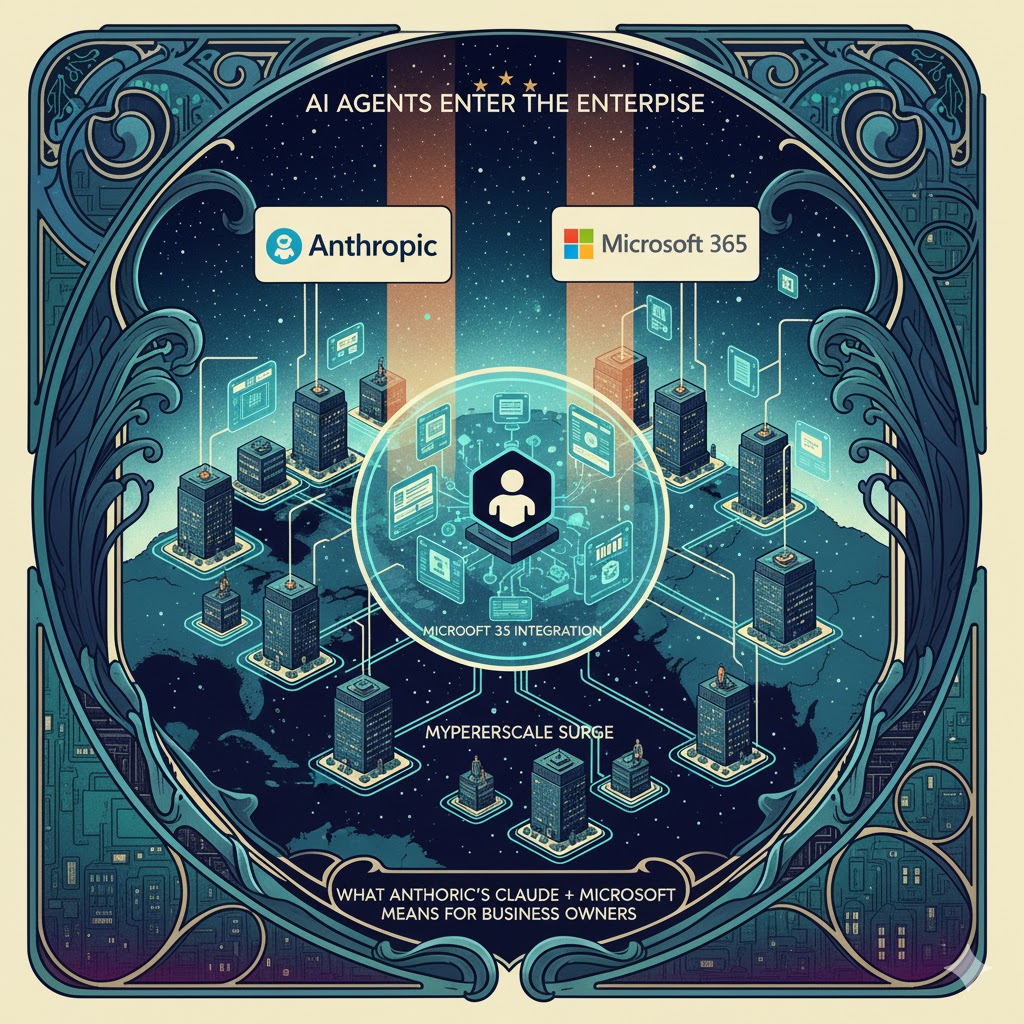

Artificial‑intelligence chatbots are no longer confined to whimsical conversations. With Anthropic’s Claude now integrating with Microsoft 365 via the emerging Model Context Protocol (MCP) and Microsoft embedding MCP support directly into Windows and its Copilot platform, AI agents are stepping into the day‑to‑day workflows of business owners. This article explains what these developments mean for professionals, the opportunities they unlock and the security issues you must manage.
1. From Chat to Workflow: Why AI Integration Matters
LLMs such as Claude, ChatGPT and Gemini have shown they can draft emails, write code and summarize reports. But to truly augment work, models need context – the data that lives in your company’s documents, emails and databases – and the ability to take actions inside the apps your team uses. The new integration between Anthropic’s Claude and Microsoft 365 brings AI into the core productivity suite for the first time, effectively turning the assistant into an on‑demand research analyst and workflow orchestrator.

Claude AI for Microsoft 365 for Beginners: The Practical Guide to Mastering Productivity with Connectors, Copilot Integration, Prompts & Automation
As an affiliate, we earn on qualifying purchases.
As an affiliate, we earn on qualifying purchases.
2. Claude’s Microsoft 365 Connector and Enterprise Search
On 16 October 2025 Anthropic announced a Microsoft 365 connector for Claude built on MCPanthropic.com. The connector lets Claude search and analyze data across SharePoint and OneDrive, Outlook and Teams without you needing to upload files manuallyneowin.net. Business owners and their teams can ask Claude to pull up project specifications from a SharePoint library, summarize long email threads in Outlook or surface decisions buried in Teams channels. Administrators must enable the connector, and it is available only for Team and Enterprise plansanthropic.com.
In parallel, Anthropic introduced enterprise search: a shared project personalized with your company name and custom prompts. Once an admin connects your organization’s tools, every team member can ask cross‑repository questions like “What is our remote‑work policy?” and receive a unified answer drawn from HR documents, email discussions and team guidelinesanthropic.com. For business owners, this means faster onboarding, better institutional memory and the ability to tap collective knowledge without trawling multiple systems.
How the integration works
- Model Context Protocol (MCP) provides a standard way for AI systems to discover and call tools. When you connect Claude to Microsoft 365, the model uses MCP to request access to files, email threads and Teams messages.
- Authentication and approval occur at the organizational level; admins control which services Claude can access. Users sign in with their Microsoft 365 credentials to allow Claude to read content and perform tasksneowin.net.
- Contextual responses: because Claude can access your data in real time, the assistant’s answers are grounded in your organization’s content rather than generic web knowledge.

Perplexity AI: The Research Playbook: Master AI-Powered Research — From Pro Search to Deep Research, Spaces, and Beyond (AI for Everyone)
As an affiliate, we earn on qualifying purchases.
As an affiliate, we earn on qualifying purchases.
3. Skills: Customizing Claude for Your Workflows
Anthropic’s Agent Skills, announced the same day, allow organizations to extend Claude with specialized workflows. A Skill is a folder containing instructions, scripts and resources that Claude loads when relevantanthropic.com. For example, you might create a skill that teaches Claude how to produce financial statements in your format or follow your brand guidelines for presentations. Skills are composable and only load the minimal data needed for a taskanthropic.com. They are available in Claude’s consumer and business apps, in Claude Code and via APIanthropic.com, but admins must enable them for Team and Enterprise customersanthropic.com.
For professional users, Skills mean you can embed proprietary procedures into the assistant and reduce prompt engineering. However, because skills can execute code, you should only use trusted sources and maintain strict code‑review practicesanthropic.com.
Workflow Automation with Microsoft Power Automate: Design and scale AI-powered cloud and desktop workflows using low-code automation
As an affiliate, we earn on qualifying purchases.
As an affiliate, we earn on qualifying purchases.
4. Model Choice in Microsoft 365 Copilot
Microsoft is not just allowing Claude to access its services; it is also offering Anthropic models inside its own Copilot platform. On 24 September 2025 Microsoft announced that Claude Sonnet 4 and Claude Opus 4.1 would join OpenAI’s models as options to power the Researcher agent and Copilot Studiomicrosoft.com. The Researcher agent can now be powered by either OpenAI’s deep reasoning models or Anthropic’s models, letting users choose based on performance or governance needsmicrosoft.com. Copilot Studio customers can build agents with Anthropic models for deep reasoning and workflow automation, mixing models for specialized tasksmicrosoft.com. Administrators must opt in to enable Anthropic models, and they are hosted outside Microsoft’s environment under Anthropic’s termsmicrosoft.com.
This move underscores a multi‑model future where enterprises can select models that best suit their use case or regulatory requirements. For example, some organizations may prefer Anthropic’s focus on safety and chain‑of‑thought filtering, while others may favor OpenAI’s features or language capabilities.
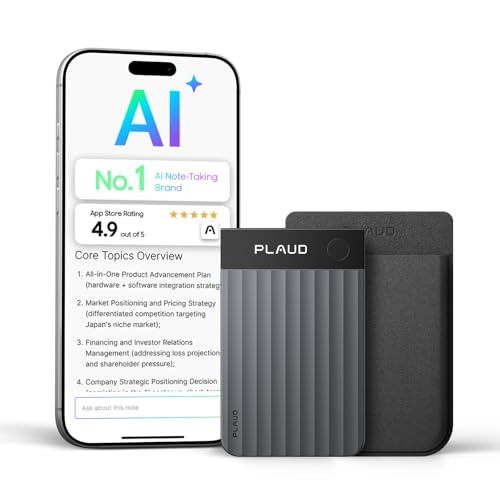
Plaud Note Pro AI Voice Recorder Transcribe & Summarize for Meetings Calls
- High-Accuracy Transcription: Supports 112 languages with speaker labels
- Instant Structured Summaries: Creates mind maps, To-Do lists, proposals
- Multimodal Input Capture: Record audio, add images, type notes
As an affiliate, we earn on qualifying purchases.
As an affiliate, we earn on qualifying purchases.
5. Windows Becomes an AI‑Native Operating System
At Microsoft Build 2025 the company unveiled Windows AI Foundry and announced native MCP support on Windows 11blogs.windows.com. The aim is to make Windows an AI‑native OS where agents can call native apps and system resources. Key elements include:
- MCP Registry for Windows: a secure catalogue of MCP servers installed on the system, ensuring only trusted servers are available to agentsblogs.windows.com.
- Built‑in MCP servers for system functions like file system access, window management and the Windows Subsystem for Linuxblogs.windows.com.
- User control and least privilege: agent access to MCP servers is turned off by default; when enabled, actions require user confirmation, and privileges are scoped to minimize damageblogs.windows.com.
By embedding MCP into Windows, Microsoft paves the way for future experiences where agents (from Claude, ChatGPT, Perplexity or Figma) can interact with local files, notifications and settings. For business owners, this integration could enable automations like preparing documents using local templates or synchronizing tasks across desktop apps without manual file uploads.
6. The Dark Side: New Security Risks
The power of MCP comes with significant security considerations. Because the protocol exposes tools and data to an AI model, it enlarges the attack surface.
6.1 Prompt injection and tool poisoning
Researchers highlight that MCP magnifies classic prompt‑injection risks because the model’s context includes tool descriptions and shared data. Attackers can embed hidden malicious instructions in tool descriptions or within content (e.g., Word documents or chat messages) to coerce the model into performing unauthorized actionssimonwillison.net. This could lead to exfiltration of sensitive data or sending messages to unauthorized recipientssimonwillison.net. A specialized variant known as tool poisoning hides malicious code inside a tool’s description, instructing the model to read private files and send them to an attackersimonwillison.net.
6.2 Credential exposure and account takeover
MCP servers often require API keys or OAuth tokens. If these credentials are not carefully scoped and rotated, attackers can hijack them, impersonate users and manipulate business systemsgetclockwise.com. Companies must use short‑lived, fine‑grained tokens and store secrets securelygetclockwise.com.
6.3 Chain attacks and context bleed
An August 2025 academic study introduced MCPLib, a framework that categorizes 31 distinct MCP attacks across direct and indirect tool injections, malicious user attacks and inherent LLM weaknessesarxiv.org. The researchers found that:
- MCP agents heavily rely on tool descriptions; misleading descriptions can cause the agent to misinterpret a tool’s purposearxiv.org.
- The shared context means data and instructions are stored together, allowing attackers to chain multiple tools and spread malicious instructionsarxiv.org.
- Agents struggle to distinguish data from executable code, so injecting malicious data via third‑party tools can trigger unintended actionsarxiv.org.
These insights underscore that connecting AI to your data and systems is not trivial; it introduces complex attack vectors that traditional cybersecurity tools may not detect.
7. Practical Guidance for Business Owners
Despite the risks, the rewards of AI‑assisted work are enormous. To harness Claude and other AI agents safely, professional business owners should take several steps:
- Treat AI like any other powerful user. Grant it the minimum permissions necessary and revoke access promptly when not needed. Ensure that agents cannot delete or modify data unless explicitly authorized.
- Audit third‑party tools and skills before allowing them to run in your environment. MCP makes it easy to plug in modules; verify that the provider follows secure coding practices and does not embed hidden instructions.
- Implement input/output filtering. Validate prompts, sanitize data and check tool responses for unexpected code or instructionsgetclockwise.com. Many security breaches occur when malicious input is blindly accepted.
- Rotate and scope credentials. Use short‑lived, narrowly scoped tokens for each tool, and store secrets in a secure vaultgetclockwise.com.
- Monitor and log agent activity. Since many attacks involve stealthy context manipulation, comprehensive logging of tool calls, data access and agent decisions is essentialgetclockwise.com.
- Educate your teams. Non‑technical staff may not understand AI risks. Training should include recognizing prompt‑injection attempts, verifying agent outputs and following secure workflows.
- Align with compliance frameworks. If you operate in regulated industries or within the EU, ensure that data accessed by AI agents complies with GDPR and sector‑specific requirements. Work with legal counsel to update privacy policies and data‑processing agreements.
8. Opportunities and Outlook
For professional business owners, the integration of Claude and Microsoft 365 signals a paradigm shift. AI will no longer be a separate chat window but rather a pervasive layer across email, documents and communication channels. Early adopters can gain productivity advantages—faster research, automated analysis and personalized insights—while creating new revenue streams by embedding AI in services or products.
However, this transformation demands a security‑first mindset. The same features that make AI powerful also create attack vectors. The MCP standard has matured quickly but remains new and exposed to evolving threats. Organizations must balance innovation with prudence, implementing robust governance and continuous monitoring.
Final Thoughts
Anthropic’s partnership with Microsoft and the expansion of MCP across Windows show that AI agents are becoming first‑class citizens in enterprise software. Business owners who proactively understand these technologies, invest in secure implementation and adapt their culture to AI‑assisted work will be best positioned to capitalize on the next wave of productivity.