
TL;DR

Get business pricing on tech for your team
- Business-only prices and quantity discounts
- Tax-exempt purchasing
- Multiple users, one account, clear invoices
You can turn one video into a complete publishing kit—titles, descriptions, clips, social posts—entirely offline. This approach speeds up workflow, enhances privacy, and cuts costs by avoiding cloud services.
Imagine finishing a video and having a whole suite of ready-to-publish assets pop out—without uploading a thing to the cloud. That’s the promise of a local-first workflow. It’s about turning a single video into a full publishing toolkit—titles, snippets, descriptions, social posts—fast, private, and cost-effective.
For creators and teams handling sensitive content, or those tired of monthly cloud fees, this approach rewires your entire process. You keep control. You cut the wait. And you avoid handing your data over to third-party servers.
Key Takeaways
- A local publishing kit automates content repurposing, saving hours per video.
- Processing on your own hardware cuts costs, boosts privacy, and accelerates workflows.
- You can generate nearly every asset—titles, clips, descriptions, social posts—offline.
- Layered review interfaces keep you in control without slowing down production.
- Investing in decent hardware pays off faster processing and long-term savings.
As an affiliate, we earn on qualifying purchases.
What is a local publishing kit, and why does it matter?
A local publishing kit is a set of assets generated directly on your machine from a single video. Think of it as a toolbox: titles, descriptions, clips, social posts, and transcripts—ready to publish without cloud dependence.
For example, a YouTube creator uploads a video, then instantly gets thumbnail ideas, a series of short clips for TikTok, SEO-friendly titles, and social posts—all generated offline. This keeps your workflow lightning-fast and private, perfect for sensitive projects or avoiding cloud fees.
According to recent reports, local AI tools are gaining ground because they offer speed and control that cloud-based systems struggle to match. This shift is about making automation work for you, not the cloud provider.

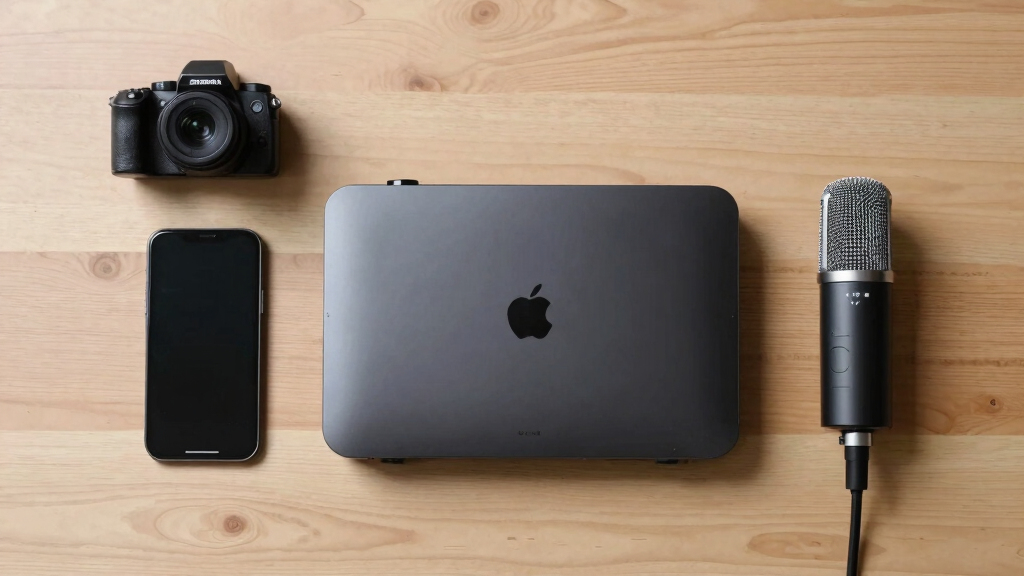
local video content creation tools
As an affiliate, we earn on qualifying purchases.
As an affiliate, we earn on qualifying purchases.
How does a single video turn into a full publishing kit on your machine?
Here’s the step-by-step process:
- Drop or link in your video: Drag the file into your system or paste a YouTube link. The software recognizes the source and starts analyzing.
- Understanding the content: It transcribes speech with speaker labels, detects scene changes, reads on-screen text, and analyzes visuals—like identifying the product on a table or a chart in the background.
- Fusing data: It aligns what’s said with what’s shown, creating a timestamped scene log. This helps the system pick the most engaging moments for clips or headlines.
- Generating assets: Titles, descriptions, social posts, clips, and transcripts are drafted based on this structured analysis. You review, edit, and approve—everything stays local.
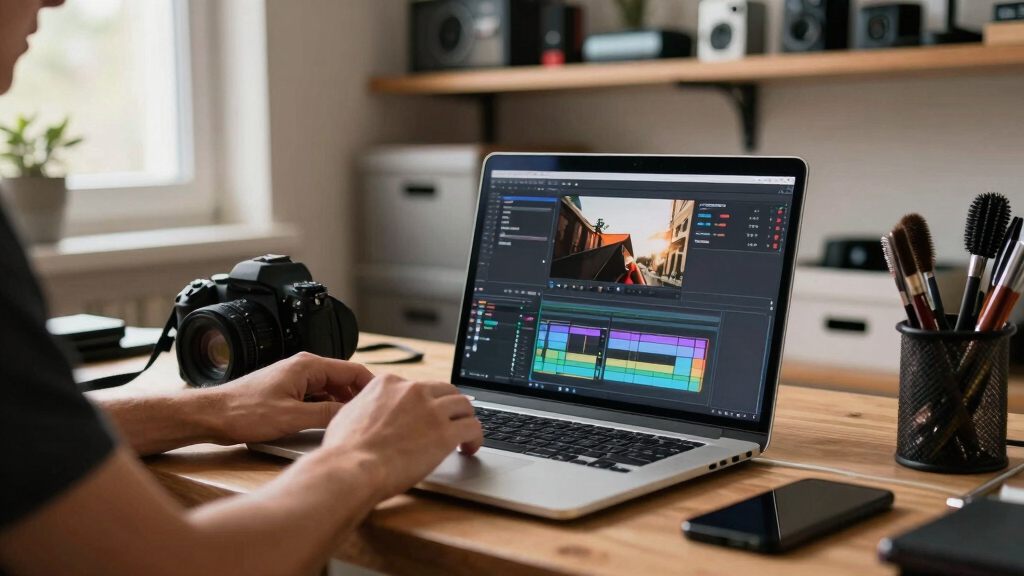
This process is designed to be fast. You can start reviewing titles while clips render or descriptions compile, thanks to a layered progress indicator that shows each step’s status.
As an affiliate, we earn on qualifying purchases.
Compare cloud vs. local workflows — which saves time and money?
| Feature | Cloud-Based Workflow | Local-First Workflow |
|---|---|---|
| Processing Speed | Dependent on internet speed, can take minutes to hours. | Instant, limited only by hardware specs. |
| Privacy & Control | Data leaves your environment—privacy risk. | All assets stay on your machine. |
| Cost | Recurring fees for cloud processing and storage. | One-time hardware/software investment, no recurring cloud fees. |
| Automation & Customization | Limited by platform capabilities, less control. | Full control, customizable workflows, and AI models. |
This comparison shows how local workflows eliminate lag and privacy concerns while cutting ongoing costs. For example, a creator producing 100 videos a month saves hundreds in cloud fees, plus gains faster turnaround times.

privacy-focused video editing hardware
As an affiliate, we earn on qualifying purchases.
As an affiliate, we earn on qualifying purchases.
What hardware do you need to run a full publishing kit locally?
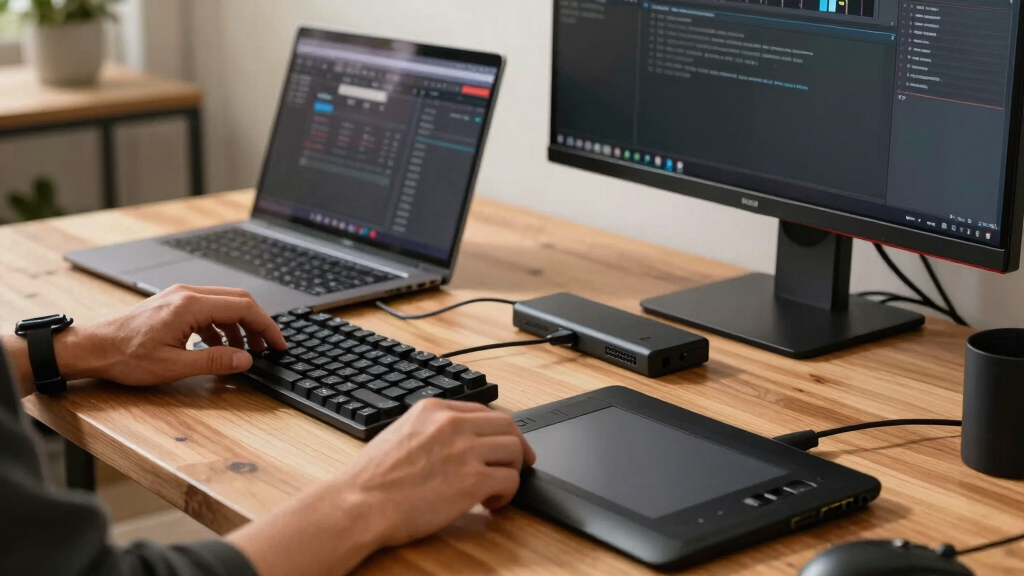
Running a local publishing suite isn’t about high-end servers. For most creators, a powerful desktop with a good CPU, plenty of RAM (16GB+), and a decent GPU is enough. Think of it as a well-equipped workbench rather than a data center.
If you’re handling large videos or multiple assets, consider adding an NVMe SSD for fast read/write speeds. A dedicated graphics card accelerates AI processing, which speeds up tasks like scene detection or clip generation.
For example, a creator with a mid-range PC—an Intel i7, 32GB RAM, and an RTX 3060—can process and generate a full publishing kit in under 10 minutes per video. No cloud needed.
How much does a cloud-free workflow actually cost?
While cloud tools often charge monthly subscriptions or per-minute processing fees, a local setup involves hardware costs and one-time software licenses. Over time, this can save a lot.
For instance, an AI-enabled editing workstation might cost around $1,500 upfront. After that, you can process hundreds of videos without additional fees. Cloud services, by contrast, might cost $50–$200 a month, depending on usage.
Imagine saving $600 annually after the initial hardware investment, plus gaining control over your data and workflow speed. That’s a compelling argument for going local.

What assets can you generate without leaving your machine?
From one video, a local system can produce a wide array of assets:
- SEO-friendly titles and descriptions
- Video chapters and timestamps
- Short clips for social media
- Thumbnails based on hook moments
- Captions and transcripts
- Blog drafts and newsletter summaries
- Social media posts tailored for each platform
For example, a 20-minute explainer video can yield a dozen TikTok clips, a full YouTube description, and a newsletter blurb—all generated on your machine, instantly.

How do you review and approve assets without losing momentum?
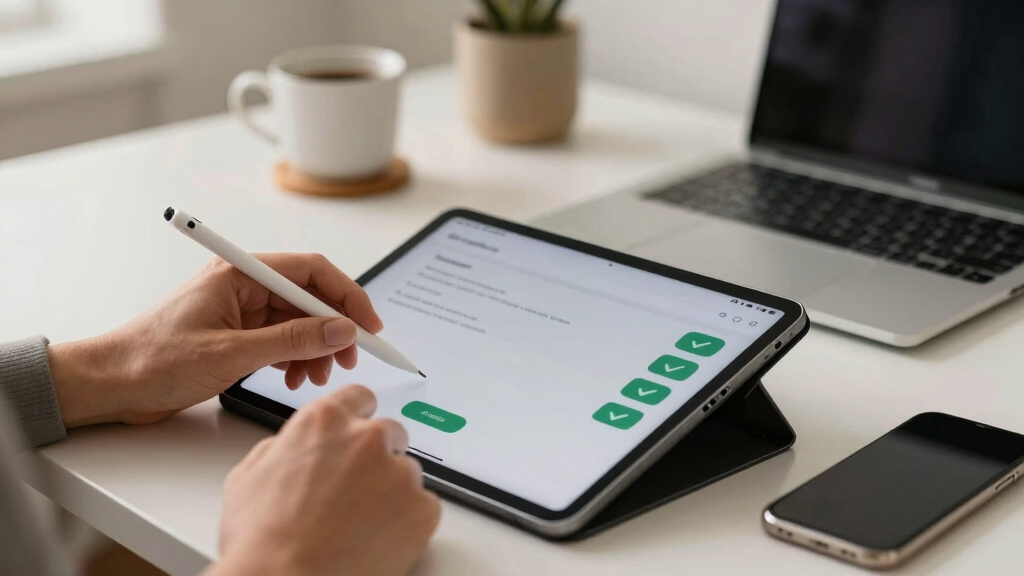
Effective review interfaces are key. A good local system offers multiple views: a quick approval panel, a detailed asset inspector, and an overview dashboard.
For example, you might see your thumbnail options side-by-side, with scores and quick edits. Or check the progress of clips while the larger assets finish processing. This layered approach keeps you in control without delays.
In practice, you can approve titles and descriptions instantly, then move on to refining clips or social posts, all within the same interface.
What’s the real benefit of keeping everything local?
Privacy and speed top the list. When your data never leaves your machine, you reduce exposure to breaches or leaks. Plus, processing speed skyrockets—no waiting for files to upload or download.
Imagine a media team handling confidential footage—local workflows keep everything secure, while cloud-based tools risk exposing sensitive content. Plus, you get immediate feedback and faster publishing cycles.
According to recent trends, privacy-focused workflows are becoming a must for serious creators and organizations alike.
Frequently Asked Questions
What exactly gets generated from one video?
From a single video, you can produce titles, descriptions, timestamps, social clips, thumbnails, transcripts, and even blog drafts—all tailored to each platform. The process is automated but customizable to fit your style.
Is the processing truly local, or does it still use a cloud backend?
A truly local workflow keeps all data on your machine. While some tools may use cloud components for AI models, the core processing can run entirely offline, giving you maximum control and privacy.
What hardware do I need to run this setup?
A modern desktop with a decent CPU, 16GB+ RAM, and a good GPU like an RTX 3060 is enough for most tasks. For large videos, SSDs speed up processing. No need for a server—just a reliable, well-equipped PC.
How much does a local workflow cost compared to cloud tools?
Initial hardware and software licenses typically cost around $1,500. After that, ongoing expenses drop to zero, unlike cloud subscriptions which can run $50–$200 monthly, adding up over time.
Can I generate captions, clips, and metadata without leaving my machine?
Absolutely. A local system can produce high-quality captions, short clips, SEO titles, descriptions, and social posts—all automagically, saving you hours and ensuring privacy.
Conclusion
Choosing a local-first workflow transforms your video publishing game. It’s faster, safer, and more cost-effective—plus, it puts you in the driver’s seat. If you’re tired of cloud dependencies and slow turnaround times, start exploring local automation tools today.
Picture a future where your entire publishing pipeline fits comfortably on your desk—ready to roll at a moment’s notice. That’s the power of one video turning into a whole kit, without leaving your machine.
Halloween Picks
halloween
As an affiliate, we earn on qualifying purchases.