
Disclosure: This article contains affiliate links, and as an Amazon Associate I earn from qualifying purchases — at no extra cost to you. I only recommend gear I’d put in my own rigs. Prices and availability change constantly; confirm current pricing before you buy. Repasting a GPU can void its warranty and carries risk — proceed only if you’re comfortable with it.
This is the cheapest lever in the whole series, and on a sustained AI load it pays back more than you’d expect. The thermal interface material — the paste or pad between your GPU die and its heatsink — is what carries heat out of the chip. When it’s good, your card runs cooler, which lets the fans spin slower and quieter. When it’s degraded, your GPU runs hot, throttles, and roars. On a card that runs flat-out for hours, the interface material matters more than it does on a gaming card that mostly idles.
This is the thermal-paste companion to the pillar, How to Reduce Heat and Noise in a High-Power AI Workstation — part of lever four, tuning, where a few degrees off the GPU lets the whole cooling system relax. Here’s what to use, and the one factor that changes the answer for a 24/7 rig.
Best thermal paste
for a high-TDP GPU.
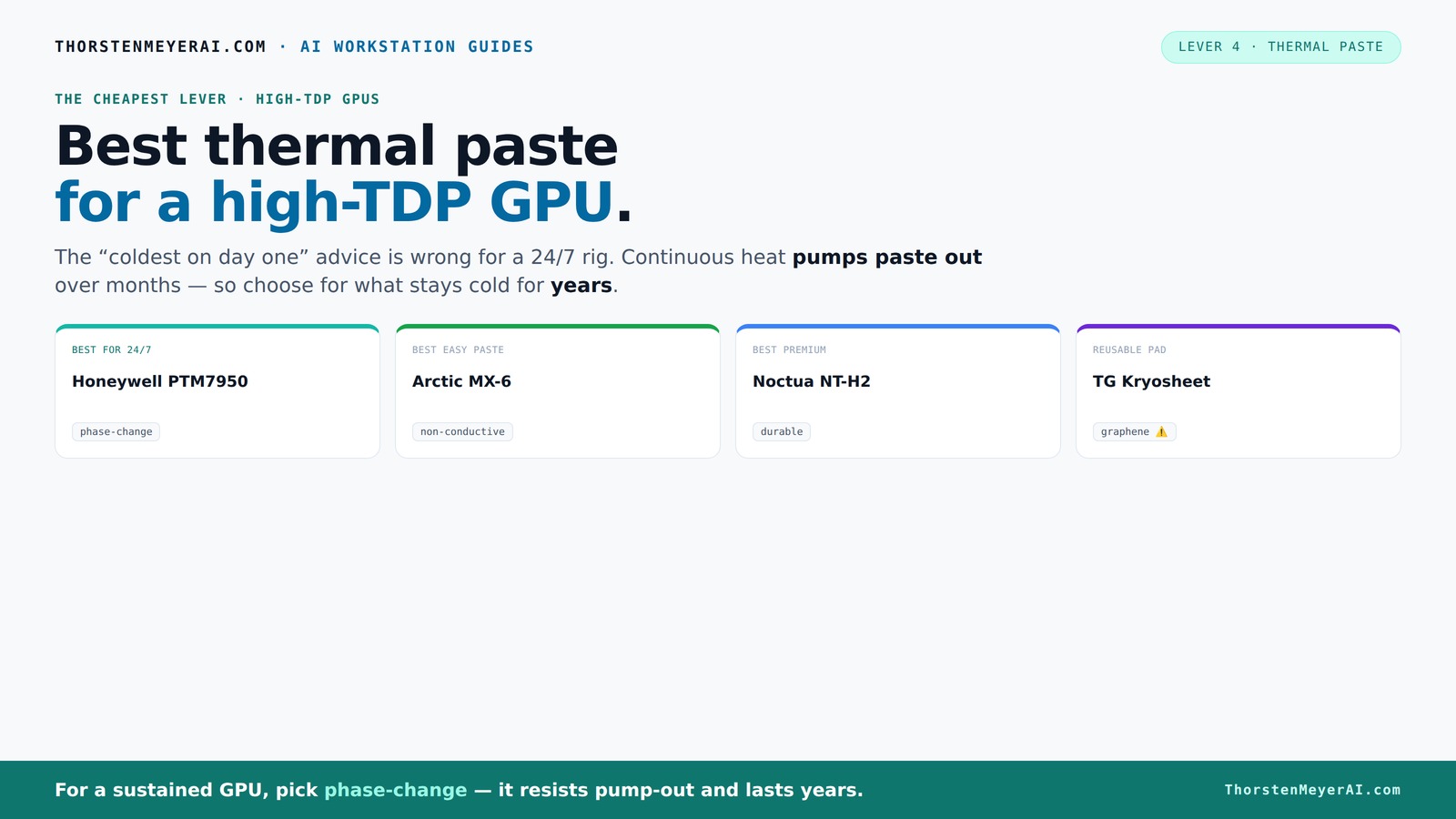
The standard “coldest on day one” advice is wrong for a 24/7 rig. Continuous heat slowly squeezes traditional paste out — a failure called pump-out — so the real question is what stays cold for years.
The short answer
- Best for a sustained 24/7 GPU: Honeywell PTM7950 (phase-change material) — it resists pump-out and lasts for years under continuous heat.
- Best easy paste: Arctic MX-6 — excellent, non-conductive, foolproof to apply, lasts 8–10 years.
- Best premium paste: Noctua NT-H2 — reliable, durable, a known quantity.
- Best reusable pad: Thermal Grizzly Kryosheet — graphene, never dries out (but it's electrically conductive — handle with care).
- Don't forget the pads: quality GPU thermal pads for the VRMs and memory, if you're already in there.

ARCTIC MX-4 (4 g) - Premium Performance Thermal Paste for All Processors (CPU, GPU - PC, PS4, Xbox), Very high Thermal Conductivity, Long Durability, Safe Application, Non-Conductive, Non-capacitive
CONSISTENT QUALITY: Our thermal paste packaging design has evolved over time, but the formula has remained the same,...
As an affiliate, we earn on qualifying purchases.
As an affiliate, we earn on qualifying purchases.
The one factor that changes the answer: pump-out
Most "best thermal paste" guides are written for gaming, and they crown whatever paste posts the lowest temperature on day one — usually something like Thermal Grizzly Kryonaut. That's the wrong test for an AI workstation, and here's why.
A gaming GPU heats up and cools down constantly — bursts of load, then idle. An inference GPU runs hot continuously for hours. That sustained heat, plus the expansion-and-contraction of heat cycling, slowly squeezes traditional paste out from between the die and the heatsink — a failure mode called pump-out. As the paste pumps out and dries, the gap fills with tiny air pockets, thermal performance degrades, and your card creeps hotter month over month. Kryonaut in particular posts superb day-one numbers but has mixed long-term GPU reports — several users find it dries faster under sustained GPU heat.
So for a 24/7 rig, the question isn't "what's coldest on day one" — it's "what stays cold for years under continuous heat." And that points to a different material entirely.
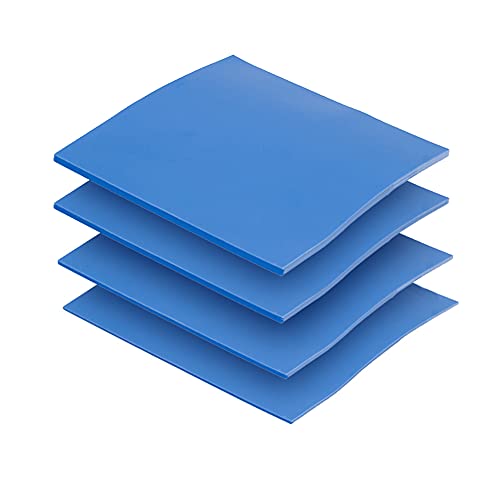
OwlTree 4 Pack Thermal Pad,100x100mm 0.5mm 1mm 1.5mm 2mm Highly Efficient Thermal Conductivity 6.0 W/mK,Heat Resistant Silicone Thermal Pads for Laptop Heatsink CPU GPU SSD IC LED Cooler
Excellent thermal conductivity: Made of thermal silica gel with heat conductivity of 6.0 W/mK
As an affiliate, we earn on qualifying purchases.
As an affiliate, we earn on qualifying purchases.
The picks
Best for a sustained 24/7 GPU — Honeywell PTM7950
PTM7950 is a phase-change material (PCM), not a traditional paste, and it's the standout for exactly our use case. It's solid at room temperature and softens into an ideal thin layer once it reaches operating temperature (around 45°C), which is why it makes such excellent contact under sustained load. Crucially, it resists pump-out — it's specifically engineered to maintain low thermal resistance over thousands of heat cycles and is rated to survive punishing endurance testing. The consensus for long-term GPU use, across both enthusiast reports and testing, lands on PTM7950 as the top choice precisely because it holds up for years where pastes dry out.
The trade-off is application: it comes as a thin sheet you cut to size, and it's fiddlier to apply than squeezing out paste — you peel, place, and let the first heat cycle do the rest. It's also inexpensive (around $13 for enough to do several cards). For a card you intend to run hard for years and not reopen, the small extra fuss at install is worth the years of stable temperatures. This is what I'd put on a dedicated inference GPU.
Best for: the 24/7 inference card you want to repaste once and forget. 👉 Check current price on Amazon
Best easy paste — Arctic MX-6
If you'd rather use a traditional paste — simpler to apply, and fine if you don't mind that you may repaste again in a few years — the Arctic MX-6 is the one. It's a carbon-based, non-conductive paste (so no risk if a little squeezes onto nearby components), it performs excellently, and it's known to last 8–10 years. It can deliver a meaningful temperature drop over stock or aged paste, and it's cheap and genuinely foolproof to apply, which makes it the safe default for most people.
For a GPU repaste where you want low risk and easy application, MX-6 is the pragmatic pick. The slightly thinner MX-4 is an even easier-to-spread alternative if you prefer.
Best for: an easy, low-risk, high-performance repaste with no special handling. 👉 Check current price on Amazon
Best premium paste — Noctua NT-H2
Noctua's NT-H2 is the premium traditional paste I trust: durable, non-conductive, consistent, and from a company that doesn't cut corners. It's a known quantity that performs near the top of the traditional-paste pack and ages gracefully. If you want a brand-name paste with a strong reliability reputation and don't want to deal with PTM7950's sheet application, this is the one.
Best for: a premium, reliable, easy-to-apply traditional paste from a trusted brand. 👉 Check current price on Amazon
Best reusable pad — Thermal Grizzly Kryosheet
The Kryosheet is a graphene thermal pad — a fundamentally different approach. It never dries out, never pumps out, and is effectively permanent and reusable, which makes it conceptually perfect for a sustained load. In testing it has even outperformed traditional pastes on some chips. The one serious caveat: it's electrically conductive, so any stray contact with surrounding circuitry can cause a short. It must be cut and placed precisely, and that risk makes it an enthusiast pick rather than a default.
Best for: experienced builders who want a permanent, never-degrading interface and will handle the conductivity risk carefully. 👉 Check current price on Amazon
Don't forget the pads — GPU thermal pads
While paste handles the GPU die, your card also uses thermal pads on the memory (VRAM) and power-delivery stages (VRMs). If you're already disassembling the card to repaste — and especially on an older card — it's worth replacing the VRM pads, which take a lot of heat on a sustained load. A note from the repasting community: on many cards the memory pads don't need replacing unless they're damaged, but the power-stage pads are the ones worth refreshing. Buy quality pads in the correct thickness for your specific card (this varies, so check before ordering).
Best for: anyone already inside the card; refresh the VRM pads while you're there. 👉 Check current price on Amazon
ARCTIC MX-4 (4 g) - Premium Performance Thermal Paste for All Processors (CPU, GPU - PC, PS4, Xbox), Very high Thermal Conductivity, Long Durability, Safe Application, Non-Conductive, Non-capacitive
CONSISTENT QUALITY: Our thermal paste packaging design has evolved over time, but the formula has remained the same,...
As an affiliate, we earn on qualifying purchases.
As an affiliate, we earn on qualifying purchases.
Comparison at a glance
| Product | Type | Longevity under sustained load | Application | Rough price |
|---|---|---|---|---|
| Honeywell PTM7950 | Phase-change sheet | Excellent — resists pump-out | Fiddlier (peel & place) | $ |
| Arctic MX-6 | Paste (non-conductive) | Good — 8–10 yrs | Easy | $ |
| Noctua NT-H2 | Paste (non-conductive) | Good — durable | Easy | $$ |
| Thermal Grizzly Kryosheet | Graphene pad | Permanent — never dries | Precise; conductive ⚠️ | $$ |
| GPU VRM/memory pads | Pads | Refresh on teardown | Match thickness | $ |
Prices shift often; the links show live pricing. PTM7950 and Kryosheet are the long-life options; MX-6 and NT-H2 are the easy traditional pastes.
ARCTIC MX-4 (4 g) - Premium Performance Thermal Paste for All Processors (CPU, GPU - PC, PS4, Xbox), Very high Thermal Conductivity, Long Durability, Safe Application, Non-Conductive, Non-capacitive
CONSISTENT QUALITY: Our thermal paste packaging design has evolved over time, but the formula has remained the same,...
As an affiliate, we earn on qualifying purchases.
As an affiliate, we earn on qualifying purchases.
How to choose
For a dedicated 24/7 inference GPU you want to repaste once and forget: PTM7950. The pump-out resistance is the whole point — it's engineered for exactly the continuous heat your rig produces, and the slightly fussier application is a one-time cost for years of stable temperatures.
For an easy, low-risk repaste: Arctic MX-6 (or MX-4 if you want the easiest possible spread). Non-conductive, foolproof, excellent — and you can always redo it in a few years if needed.
For a premium brand-name paste: Noctua NT-H2.
For a permanent, never-degrading interface and you're an experienced builder: the Kryosheet — but respect the electrical conductivity.
If you're already inside the card: refresh the VRM thermal pads in the right thickness while you're there.
A note on whether it's worth it: if your GPU is new and running cool, you don't need to do anything — factory paste is fine for a while. This lever matters most for an older card whose temperatures have crept up (a classic sign of pump-out), or for a new card you're tearing down anyway and want to set up for years of sustained duty. And always pair it with the bigger levers: a repaste shaves a few degrees, but undervolting removes far more heat for less effort.
The bottom line
Thermal paste is a small lever, but on a sustained AI load it's a real one — and the standard gaming advice steers you wrong. Skip the day-one-coldest paste and choose for longevity under continuous heat: PTM7950 for a repaste-once-and-forget 24/7 GPU, Arctic MX-6 for an easy non-conductive job, Noctua NT-H2 for a premium traditional paste, or the Kryosheet if you're experienced and want something permanent. Refresh the VRM pads while you're in there.
Do it when your card's temperatures have crept up, or when you're already tearing down a card for a long sustained future — and always after you've pulled the bigger levers in the pillar guide first.
Picks and figures from 2026 thermal-paste testing (Tom's Hardware's 90-paste roundup and others) and the GPU repasting community. Performance varies by card, mounting pressure, and application. As an Amazon Associate I earn from qualifying purchases. Repasting may void your warranty.